
Email and iPhone
Email your boat papers in, or share them from your iPhone
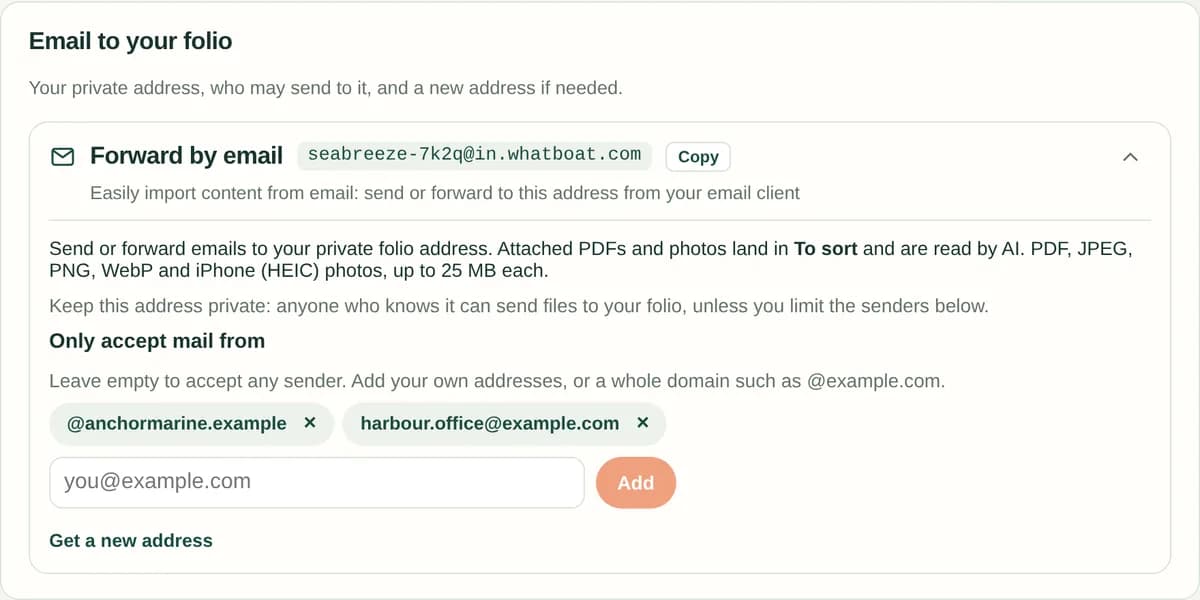
Your folio has its own private email address. Forward the insurance certificate or the marina invoice and it is filed in minutes. On iPhone, share photos straight from the Photos app.
- Private address, only for senders you allow
- Share sheet in the What Boat? iPhone app
- Attachments are read and named like any upload
How it works
- Find your folio's private address in Settings and add the senders you allow.
- Forward an email with the invoice or certificate attached, or share photos from the Photos app on your iPhone.
- Attachments are read, named and filed like any upload, and you get a notification.
Good to know
Only senders you allow can add to your folio. Marinas, yards and insurers often send their papers by email, so forwarding is usually the quickest way in.
Screens show a demo boat and made-up documents.